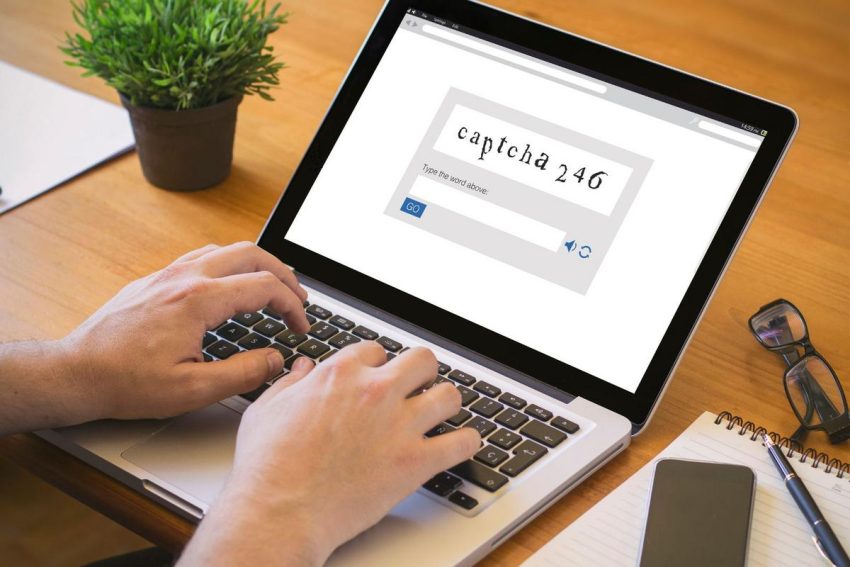
We see them all the time when we browse the internet: those familiar “prove you’re human” security checks. Sometimes they ask us to click on traffic lights or type in distorted letters. CAPTCHA has become a normal and trusted part of web use. But now, a new, advanced hacking scheme is exploiting that trust to bypass computer security.
A Dangerous New Twist on the Trusted “Prove You’re Human” Test
The Federal Trade Commission (FTC) recently warned everyone about fake CAPTCHA pop-ups that are made to steal your personal information. Unlike real security checks, these fake screens do not verify that you are a human. Instead, they are trying to take control of your computer.
This scam starts when you visit a hacked website or click on a fake link. A screen appears that looks just like a normal security check. But instead of asking you to click an image, it says there is an “error” and tells you to use keyboard shortcuts to fix it.
How Fake Security Prompts Trick You Into Running Malicious Code
The instructions tell you to open the Windows Command Prompt or the “Run” box, usually by pressing Windows key + R. Then, they ask you to paste in a line of code they give you and press Enter.
The website secretly copies a hidden script to your clipboard, so pasting it seems easy. When you press Enter, you are actually telling your computer to download hidden malware. Since you entered the command yourself, most antivirus programs do not catch the threat until it is too late.
How Information Stealers Work and Key Steps to Protect Your Data
Once the harmful script runs, it quickly installs “information stealers.” These programs quietly search your device for saved browser passwords, email logins, and online banking details, then send them straight to scammers.
Protecting yourself from this kind of scam is simple. Real CAPTCHA checks will never ask you to use keyboard commands or paste code into your computer.
If you see a page asking you to do these things, close the browser tab right away. If you have already followed the steps, disconnect your device from the internet as soon as possible to stop the hacker. Then, run a full security scan and change your passwords using another safe device. Remember, a real human test will never ask you to enter a computer command.
Protect Yourself From IRS Scams
Don’t Answer Calls from These 10 Area Codes – It’s a Scam
Those who are in the know about telephone and identity theft scams say these area codes produce the most problem calls for their clients. Unless you personally know someone who might be calling from one of the following area codes, you might want to let that phone call go unanswered.
Gallery Credit: Bruce Mikells
Summer Vacation in the ’80s: These Nostalgic Photos Say It All
Gallery Credit: Stephen Lenz